Inventory
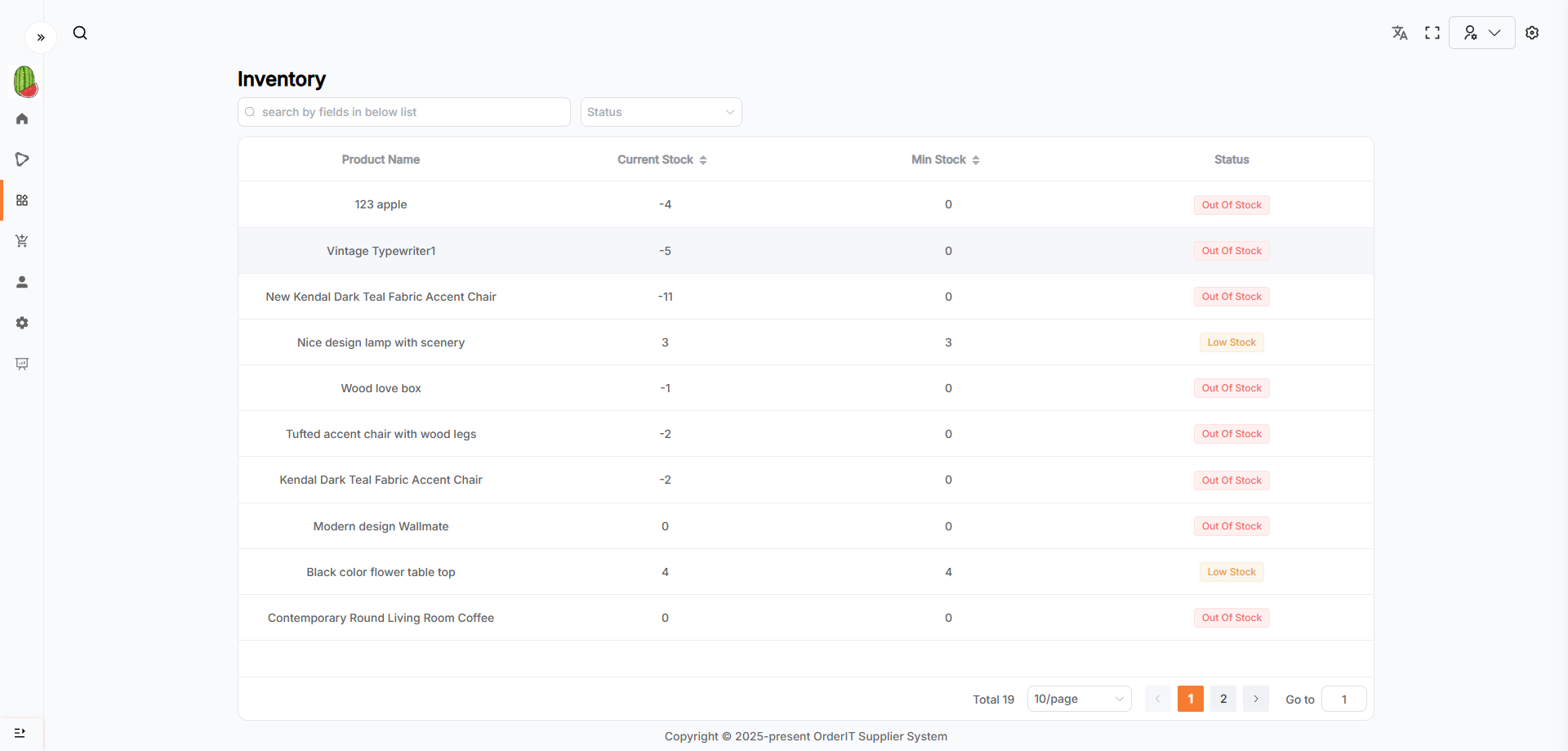
This page displays data in a list format.
Features
The Inventory module automatically generates corresponding inventory records when a new Product is added. It only supports updating the stock quantity.
- When Current Stock ≤ Minimum Stock and > 0, the
Inventory Statusis Low Stock. - When Current Stock < 0, the
Inventory Statusis Out Of Stock. - When Current Stock > Minimum Stock, the
Inventory Statusis In Stock.
Inventory Details & Edit
- The page defaults to read-only mode. Click the Edit button to enter edit mode and update inventory information.
- Any changes must be confirmed by clicking Save to take effect. After saving successfully, the page returns to read-only mode.