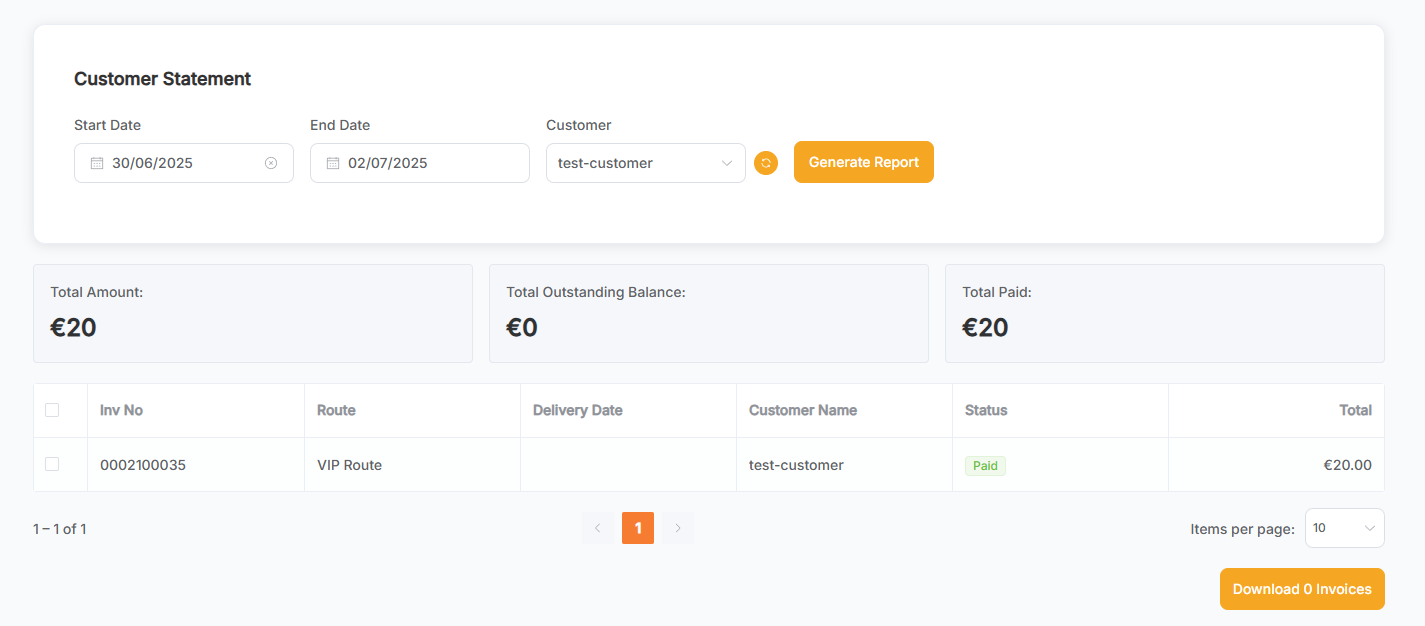
Customer Statement Report
This page provides a summary of Orders for a specific Customer within a selected date range.
The refresh button next to the Customer dropdown refreshes the Customer data list.

- Select the Start Date, End Date, and Customer.
- Click the Generate Report button.
- Display all Orders for the selected Customer during the chosen period.
- Check the Orders you want to download, then click the Download Invoice button to download a PDF containing the selected orders.