Business Setting
This module is used to manage system configurations and includes the following 7 sub-modules:
- Company Information
- Basic Setting
- Route Setting
- Customer Extra Fields
- Product Extra Fields
- Product Price Groups
- Wordpress Config
⚠️ The screenshots shown below are for testing purposes only.
Company Information
This page is used to display and edit company information.
Changes will only take effect after clicking the Save button.
Basic Setting
This page allows you to modify the following settings:
- Currency
- Whether to automatically approve Customer Registration Requests
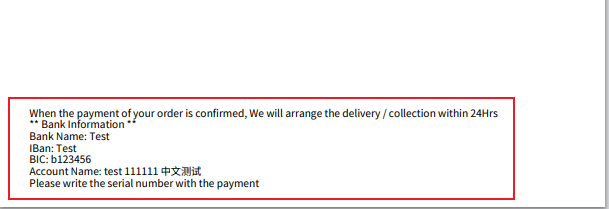
- Additional content for Invoices
Changes must be saved using the Save button to take effect.
Content in Invoice Additional Content will be displayed at the bottom of the invoice.
Route Setting
This page is used to manage routes. You can add, delete, or modify routes.
Changes must be saved by clicking the Save button to take effect.
Customer Extra Fields
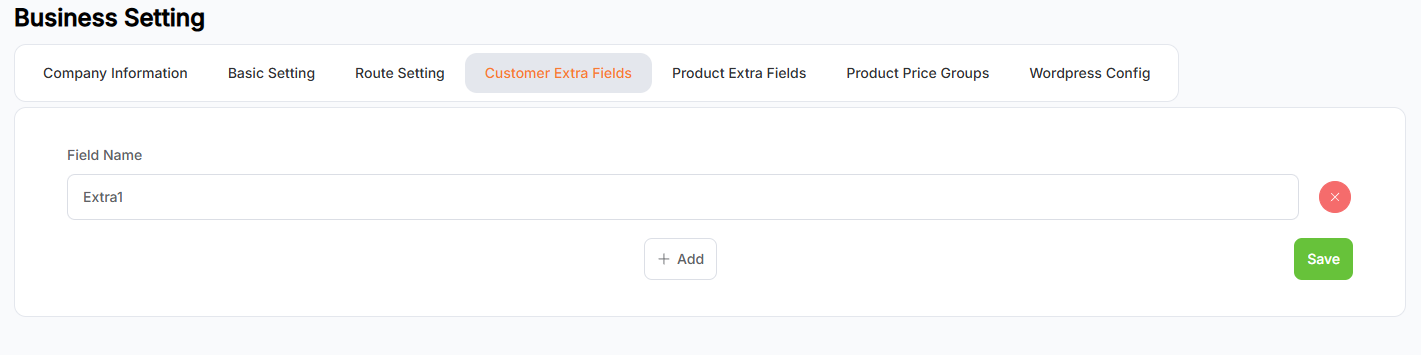
This page is used to manage Customer Extra Fields. You can add, delete, and modify them.
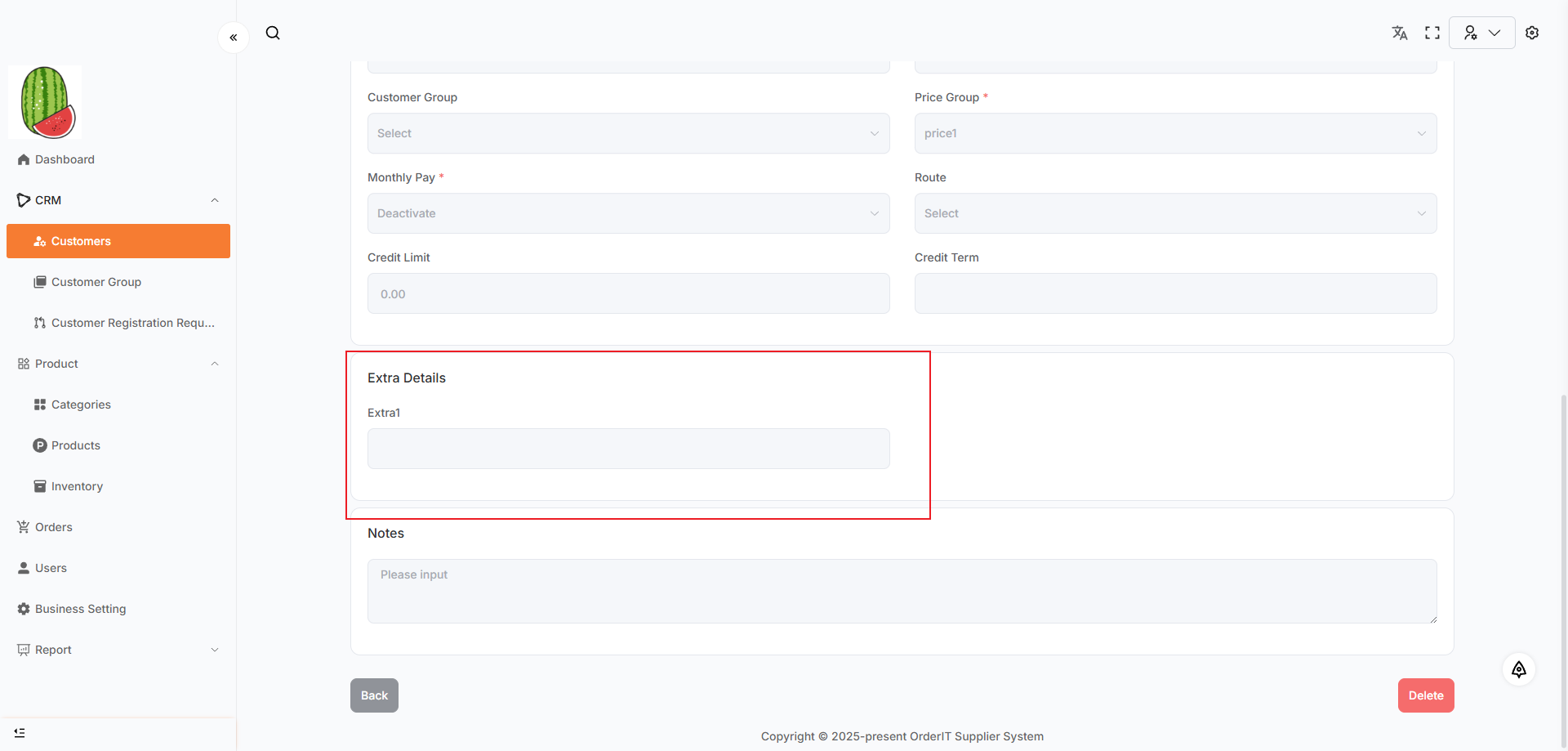
- Extra fields will be displayed on the Customer detail page.
- Fields already used by customers cannot be deleted.
- Changes must be saved by clicking the Save button to take effect.
Product Extra Fields
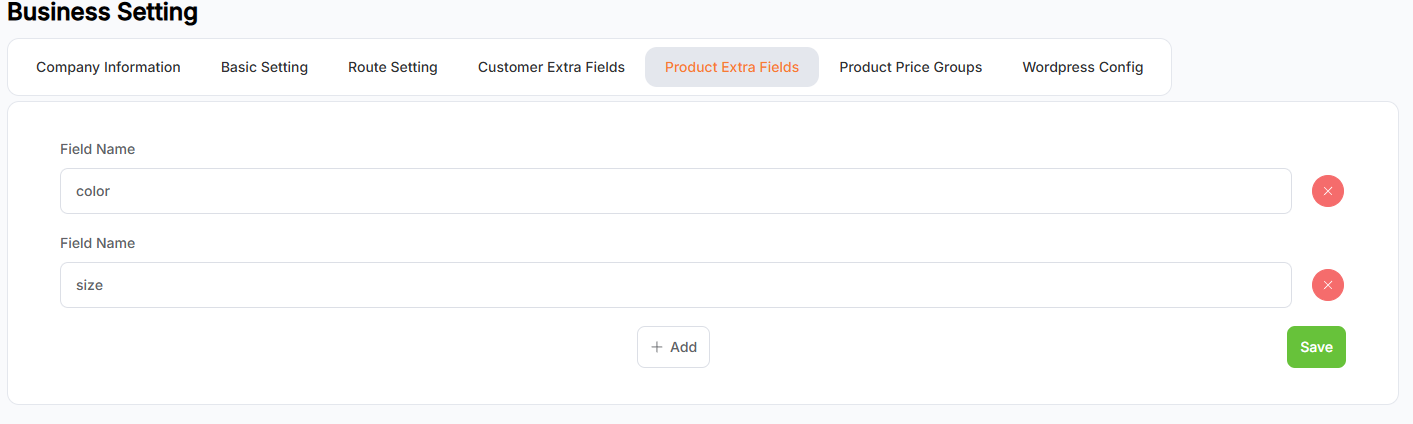
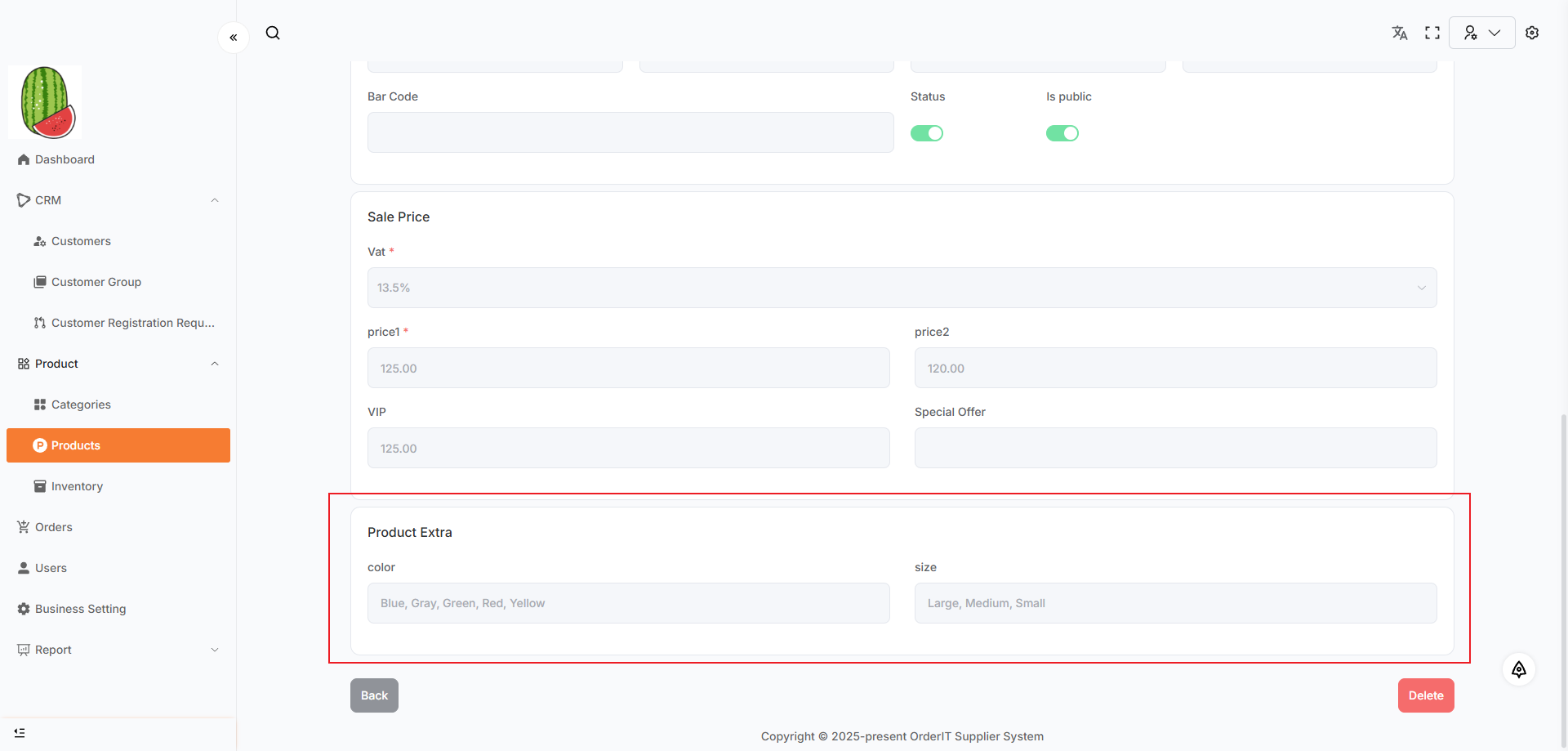
This page is used to manage Product Extra Fields. You can add, modify, or delete them.
- Extra fields will be shown on the Product detail page.
- Fields already used by products cannot be deleted.
- Changes must be saved by clicking the Save button to take effect.
Product Price Groups
This page is used to manage Product Price Groups. You can add, modify, or delete them.
- Price groups will be shown on the Product detail page.
- The Default Price group cannot be deleted.
- Price groups already used by products cannot be deleted.
- Changes must be saved by clicking the Save button to take effect.
Wordpress Config
This page is used to configure Woocommerce integration. When creating a Category or Product, data can be synced to Woocommerce if the following fields are correctly filled:
KeySecretHost
Instructions
- After entering a valid Key, Secret, and Host, click the Test button to verify the Woocommerce connection.
Wordpress From Urlis auto-generated by the system.
You can bind it in the Wordpress form to receive registration requests in the Customer Registration Request module.
💡 Tip: Copy the
Wordpress From Urland paste it into the Webhook URL field in your Wordpress form settings.